
When connected to a Vertex SmartCore device, alongside an upgraded subscription package, you will have access to the Target Mode button (Bottom of your screen), this opens a blank “Target Session” screen, and you are now ready!
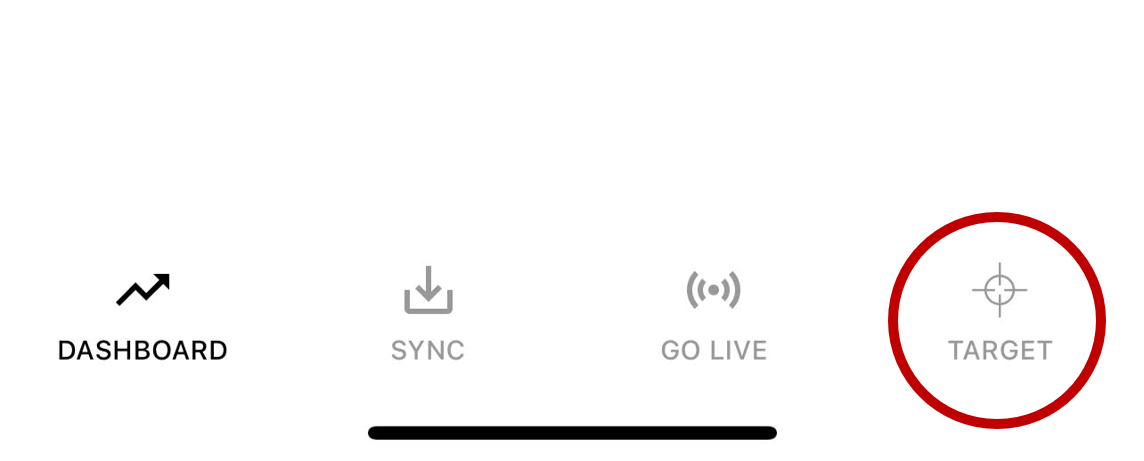
Target Mode allows the golfer to gain valuable insight in relation to their stroke when comparing against a known target. Particular measures include…
- Dynamic Aim
- Face Aim to Target
- Path Direction (Relative to Target)
- Takeaway Torque (Club Twist during a Forward Press)
The suggested methods of measuring and improving your stroke when it comes to Target Mode.
(1) Improvement: Simply line up the putter to the Target (Use an additional Aim / Alignment Laser) or known method of lining up square to your target.
Use this as a known reference of being lined up to the target and putt, doing this on a continual basis will help to understand & learn proper alignment.
(2) Measurement / Analysis: To measure pre-existing Aim Bias, a user can register the target in parallel to the known target. Make sure that point at which you register to the target is the same distance away as the intended target. It is recommended when measuring an Aim Bias that no ground references are in place to aid the user as to what square to target looks like.
(Example Image)

Further Explanation:
When registering a target, we are telling the sensor that there is a target 90° relative to the face.
When we move back in to position, “IF” we were square to the target, the sensor would still be at 0°, as it hasn’t rotated away from that position. If we line up 2° to the right, then the sensor has also rotated 2° to the right… this is how we understand Aim and all measures relative to an intended target.
Additional Notes:
BLE RANGE – The units you have, have a signal strength / range of ~4m, in some cases depending on conditions this might be more.
Please make sure your iPhone / iPad, the back of the device is raised off the ground. A known issue with phones / tablets is that the BLE transmitter / receiver sits at the back of the device and on occasion if laid directly on to the floor would cause the Bluetooth signal to drop / cut-out.
If connection is lost during a “Session” the Vertex App will ask you if you would like to reconnect, simply walk up to your device, within range and reconnect and you can continue putting as you were.
This is particularly useful for example if you have hit golf balls out of range and need to retrieve or briefly need to go and do something or speak to somebody. You can simply return and carry on from where you left.
Leave a Reply