
Basics of Sync Mode
Using Sync Mode
Sync mode has no wireless restrictions, can be used anywhere, any time, be it on the golf course, practice green or in your living room, to collect data and upload at a later time.
When a putter is charged and is rotated in to a “Putt Ready” scenario, the sensor will have turned itself on, due to the movement of the putter getting in to position. You can simply take putts, 1, 2, 3 as many putts as you need.
NB: Ensure the putter has been calibrated (Face and Lie/Shaft Lean) before using the device in Sync Mode.
Ensure the Vertex Sensor is not connected to the App. The sensor will record data directly to the putter when its not connected to the App.
When you are ready to upload the putts to the Vertex App…
(1) Open the Vertex App.
(2) Connect your SmartCore device to the App.
(3) Open “Sync Mode”.
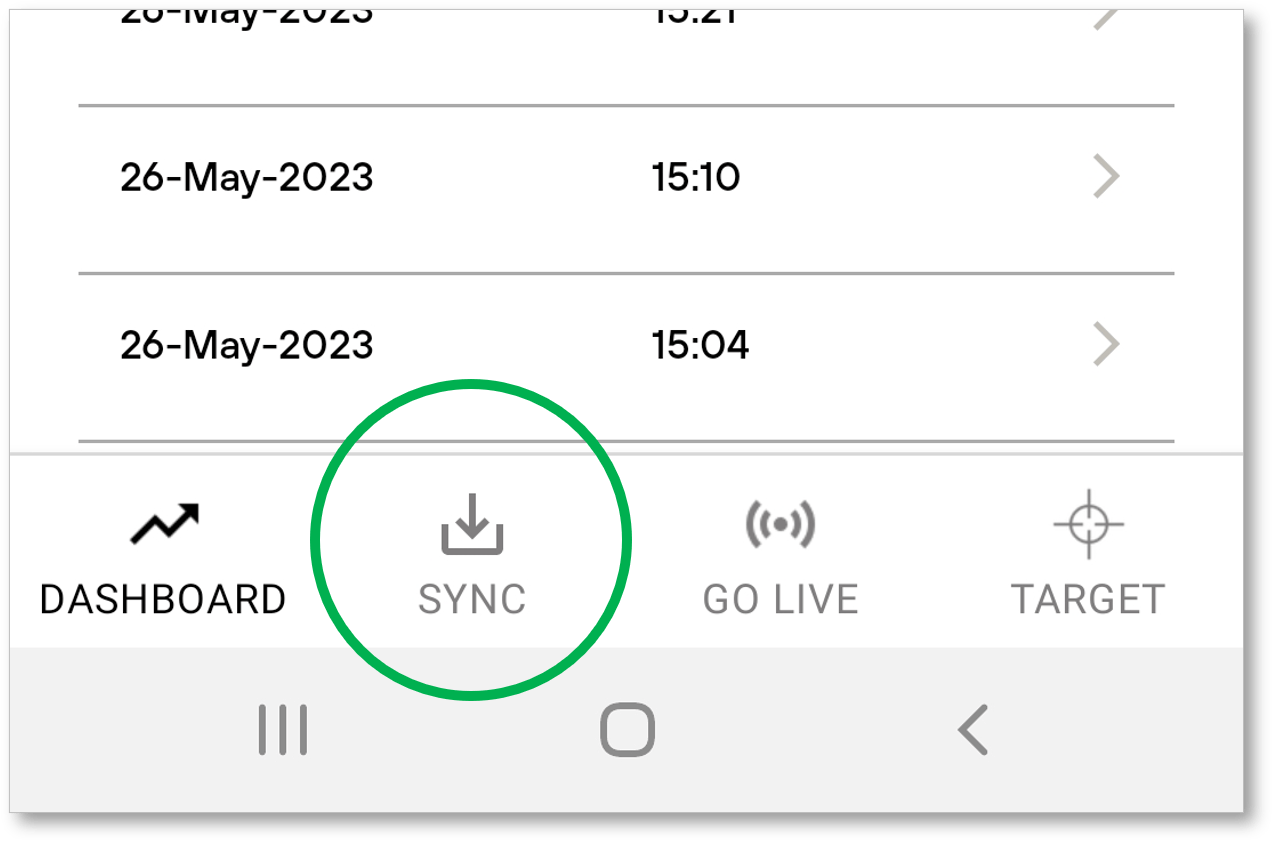
(4) Click on the download link, to download all available putts from your Vertex SmartCore device.
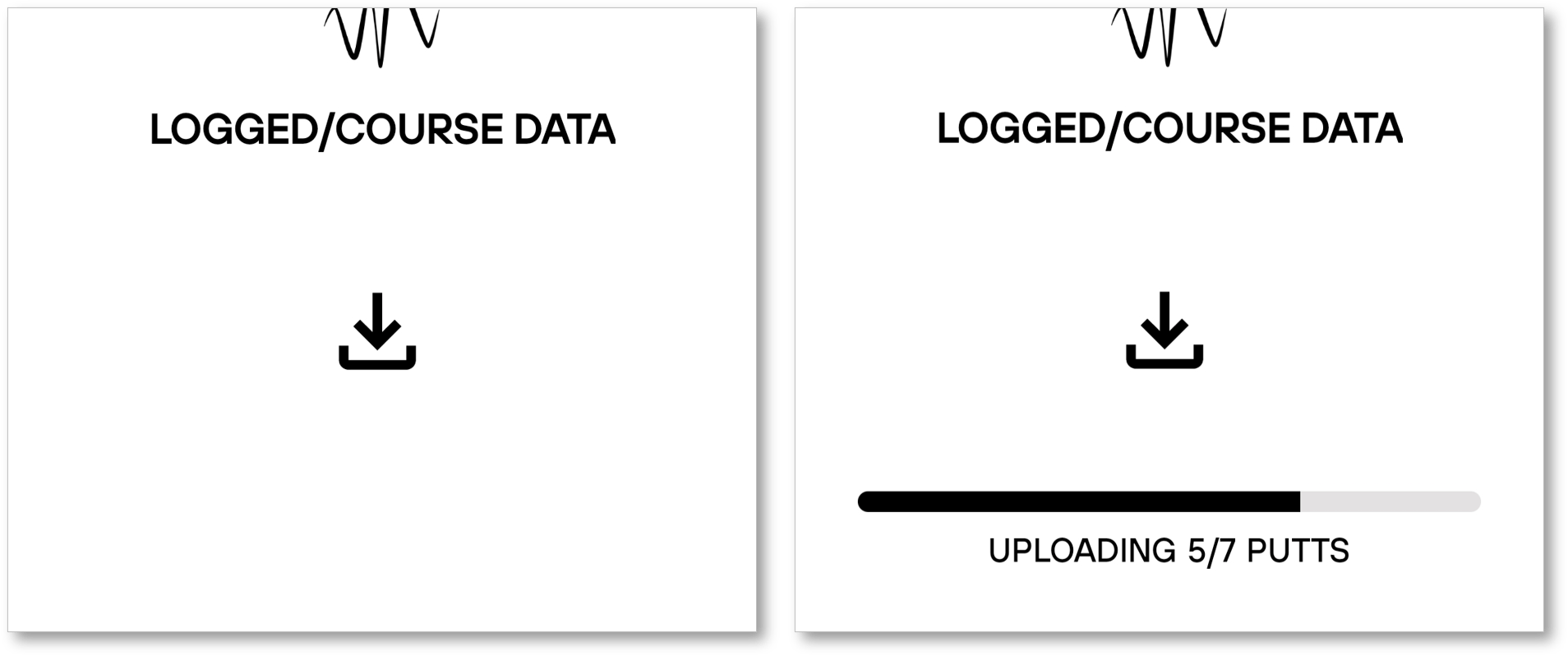
(5) The “Sync Selection Screen” appears giving you the opportunity to select which putts you want to keep and which putts you want to remove, specifically useful when removing outliers, “gimmies” etc…

(6) After selection is complete you will be transferred to a normal session screen to view your data.